
Direct Answer
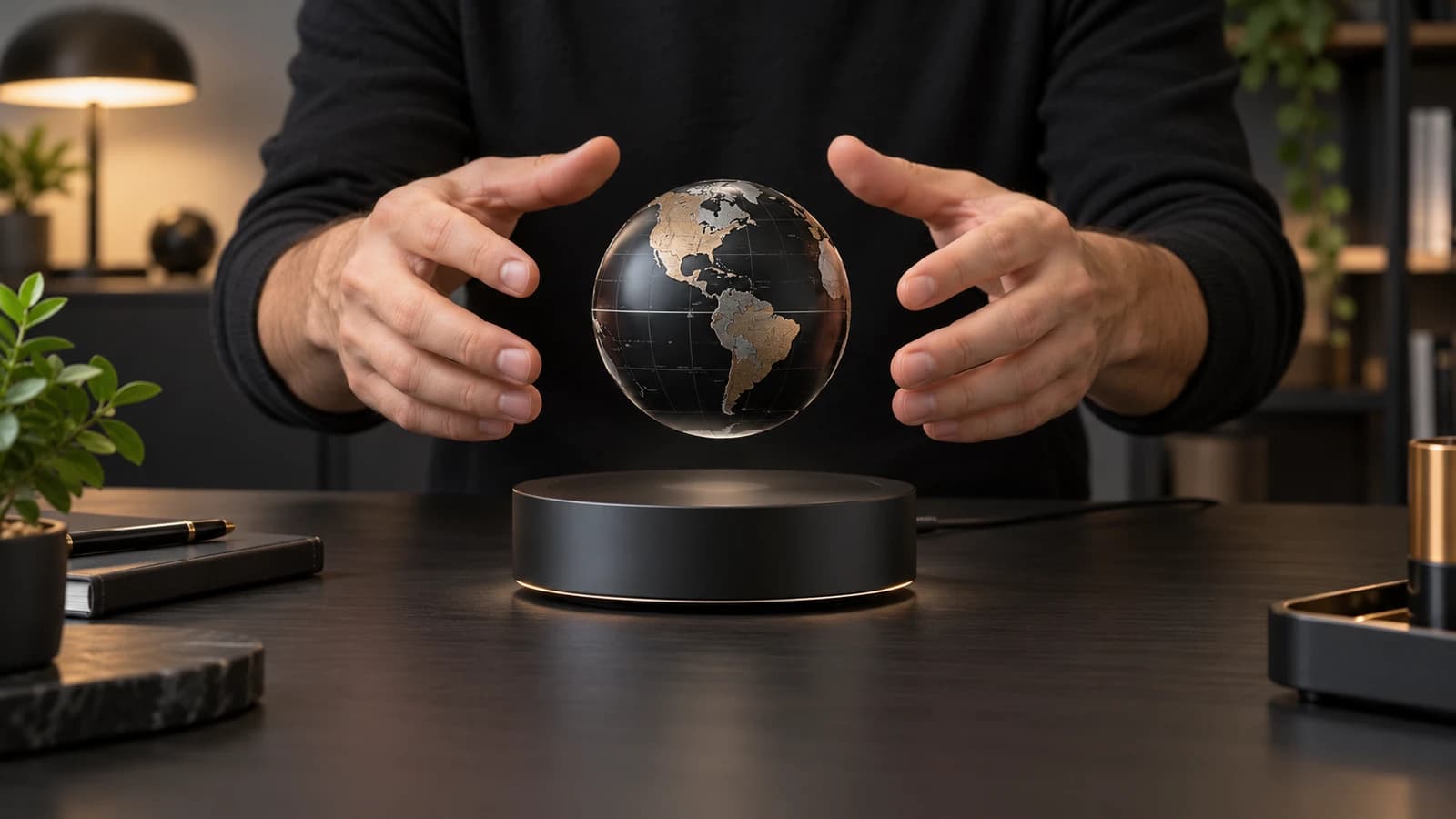
To set up a magnetic levitation display, place the powered base on a level, stable, nonmetallic surface and clear the area of loose metal or sensitive items. Connect the specified adapter. Hold the correct floating object with two hands and move it slowly toward the center above the base. When you feel the field supporting the object and the centering point becomes stable, release your hands gradually. Do not drop the object toward the base or force it against magnetic resistance.
If it will not float, stop and check the manual, object orientation, power, surface level, payload, and whether you are using the matched object. Repeatedly forcing the object is less effective than resetting the setup conditions.
Prepare the Surface and Power
Use a firm table or pedestal that does not flex when touched. A sloped, vibrating, or unstable surface makes centering harder and can cause drift. Keep the base away from the edge and leave enough room to catch the object safely during practice. Remove keys, tools, cards, watches, and loose ferromagnetic items from the immediate area.
Connect the adapter supplied or specified for the product. Confirm that any power indicator behaves as described in the manual. A connector can fit physically while providing the wrong voltage, current, or polarity, so do not substitute an adapter based on plug shape alone. Let the unit initialize if the instructions require it.
Find the Balance Point Slowly
Check which side of the floating object faces the base. Hold the object securely with both hands and lower it slowly toward the center. You may feel it pull sideways or push away before you reach the stable point. Move in small increments rather than fighting the field. When the object feels supported and no longer tries to escape strongly, loosen your grip a little.
Release one finger at a time while keeping your hands close enough to catch the object. Once it is stable, move your hands away slowly. Some products use a spacer or setup tool to show the correct height; use it if provided. The first setup may take several attempts, but a matched system should become repeatable with a calm technique.
Why the Object Keeps Falling
The most common causes are incorrect orientation, missing power, an unlevel base, a mismatched object, excess payload, or release outside the small stable zone. Packaging material, accessories, or a decorative part added to the object can also change its weight and center of gravity. Air from a fan or a vibrating table may affect a sensitive setup.
Disconnect power before inspecting for damage. Check whether the object or base was dropped, whether the magnet assembly has shifted, and whether the cable is secure. If the product previously worked but now falls under the same conditions, stop using it and contact the supplier rather than opening the enclosure.
Wobble, Fast Rotation, and Off-Center Motion
Small movement after release can settle on its own. Persistent wobble may indicate that the object is not balanced, the magnetic insert is misaligned, or the base is not level. Fast rotation can result from a strong push, air movement, or uneven mass. Do not try to stop a fast object with a hard side impact; gently catch it according to the instructions and reset.
For a custom object, wobble is an engineering signal rather than merely a setup mistake. The internal weight distribution, magnet location, shell tolerance, and desired rotation need to be reviewed together. A production sample should be checked across multiple units, not only one hand-tuned prototype.
Shutdown and Daily Reset
Remove or secure the floating object before disconnecting power unless the manual specifies a designed landing behavior. Store the object where its magnet cannot attract tools, damage surfaces, or come near children. Keep the base dry and clean it only with the recommended method. Avoid moving the base while the object is hovering.
In a store or exhibition, create a short setup checklist for staff. Include power-on order, centering method, clear-zone check, operating inspection, shutdown, and who to contact if the display becomes unstable. Repeatable operation is part of display quality.
Decision Checklist
Work through these checks in order when setup fails:
- Confirm the correct object, orientation, adapter, and power indicator.
- Place the base on a level, solid surface away from vibration and airflow.
- Remove added accessories and verify that payload has not changed.
- Approach the center slowly and release gradually with both hands ready to catch.
- Reset power only as instructed; do not open or modify the base.
- Inspect for drop damage, a loose cable, or a shifted internal part.
- If the same tested combination no longer works, stop and contact support.
The article on how a magnetic levitation display works explains why the stable zone is narrow.
FAQ
Why won't my levitating display float?
Check power, object orientation, base level, correct payload, and centering technique. A mismatched object or wrong adapter will not be fixed by repeated attempts.
How do I find the center of a levitation base?
Approach slowly from above with the intended object. The field should begin to support it near the designed balance point. Use the supplied setup tool if included.
Why does the object jump to one side?
It is probably outside the stable zone, approaching at an angle, or using the wrong orientation. Pull it away safely, reset your grip, and try again slowly.
Why does my floating object wobble?
Possible causes include an unlevel surface, airflow, uneven weight, misalignment, damage, or a push during release. Persistent wobble in a custom object needs engineering review.
Should I unplug the base while the object is floating?
Follow the product instructions. In many active systems, removing power ends controlled levitation, so the object should be removed or secured first.
Next Step
For a standard product, use its model-specific manual before generic advice. For stores and branded programs, setup must be repeatable across staff and locations; include it in sample approval and packaging design. Explore AMO products, or contact AMO with the model, photos, symptoms, and operating conditions if you need application support.